AI Blog Website
AI Enabled Full Stack Blog App using MERN Stack, Google Gemini and ImageKit API
Tech Stack :

🤖 AI Blog Website



A modern, AI-powered blog platform built with React and Node.js
📋 Table of Contents
- ✨ Features
- 🛠️ Tech Stack
- 🏗️ Architecture
- ⚡ Quick Start
- 🔧 Installation
- 🌍 Environment Variables
- 📱 Usage
- 🎨 Screenshots
- 🤝 Contributing
- 📄 License
- 👨💻 Author
✨ Features
🎯 Core Features
- 🤖 AI-Powered Content Generation - Leverage Google Gemini AI for intelligent blog content creation
- 📝 Rich Text Editor - Advanced Quill.js editor with formatting options
- 🎨 Modern UI/UX - Beautiful, responsive design with Tailwind CSS
- 📱 Mobile Responsive - Optimized for all device sizes
- 🔐 Admin Authentication - Secure JWT-based admin panel
- 📊 Dashboard Analytics - Real-time blog statistics and insights
🚀 Advanced Features
- 🖼️ Image Management - ImageKit integration for optimized image handling
- 💬 Comment System - Interactive commenting with moderation
- 🏷️ Category Management - Organize blogs by categories (Technology, Startup, Lifestyle, Finance)
- ⚡ Fast Performance - Optimized with Vite and modern React patterns
- 🔄 Real-time Updates - Live content updates without page refresh
🛠️ Tech Stack
Frontend




Backend




AI & Services


Development Tools



🏗️ Architecture
⚡ Quick Start
Prerequisites
- Node.js (v18 or higher)
- MongoDB (local or cloud instance)
- Git
🚀 One-Command Setup
🔧 Installation
1️⃣ Clone the Repository
2️⃣ Backend Setup
3️⃣ Frontend Setup
4️⃣ Environment Configuration
Create files in both and directories:
Server
Client
5️⃣ Start Development Servers
Terminal 1 - Backend
Terminal 2 - Frontend
🎉 Your application is now running!
- Frontend: http://localhost:5173
- Backend: http://localhost:3000
🌍 Environment Variables
Required API Keys
| Service | Purpose | How to Get |
|---|---|---|
| MongoDB | Database | MongoDB Atlas |
| Google Gemini | AI Content Generation | Google AI Studio |
| ImageKit | Image CDN & Optimization | ImageKit.io |
🔑 Getting API Keys
Google Gemini API
- Visit Google AI Studio
- Create a new project
- Generate API key
- Add to in server
ImageKit Setup
- Sign up at ImageKit.io
- Get your URL endpoint, public key, and private key
- Add to server file
📱 Usage
🏠 Public Features
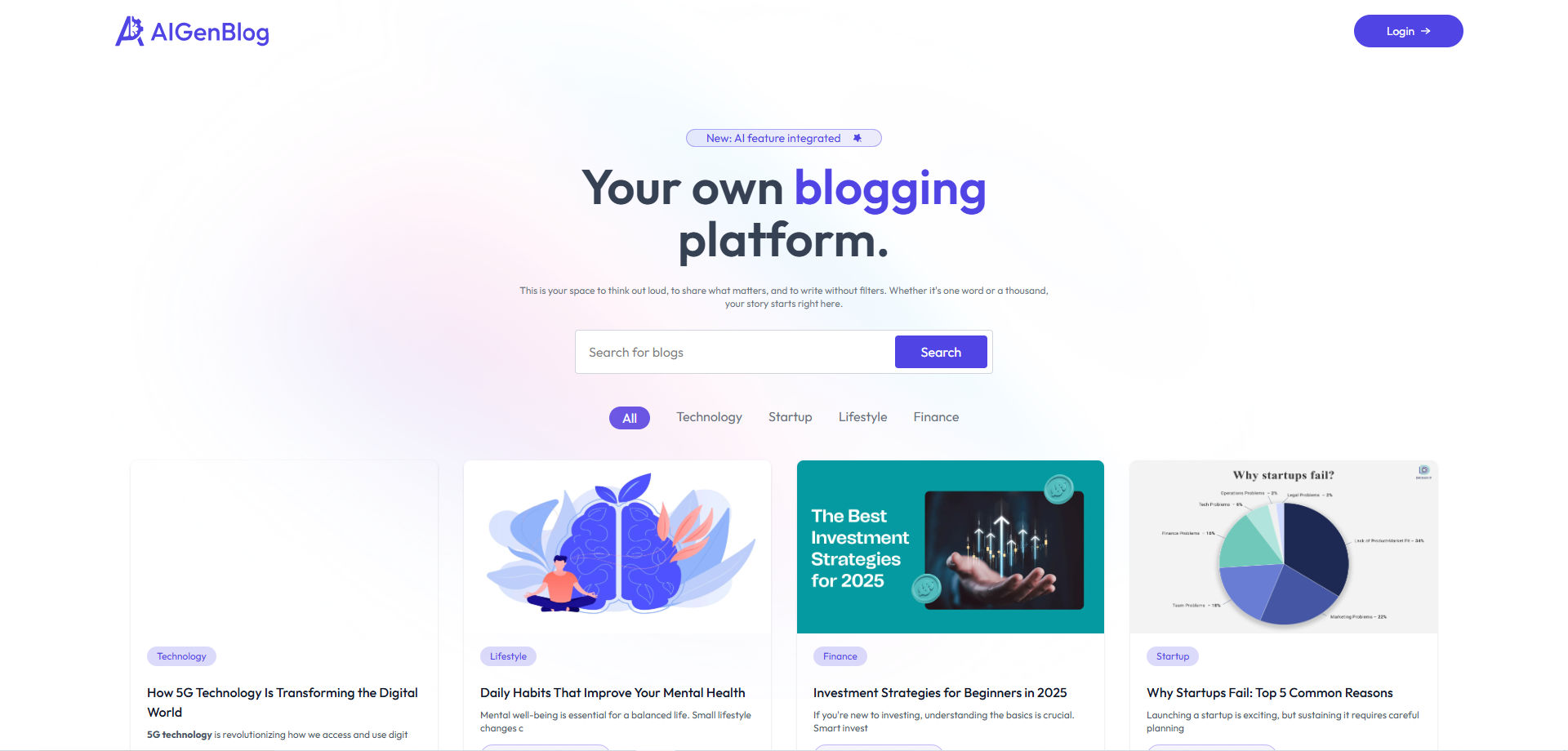
- Browse Blogs: View all published blogs with category filtering
- Read Articles: Full blog posts with rich content
- Newsletter: Subscribe to updates
- Responsive Design: Works on all devices
🔐 Admin Features
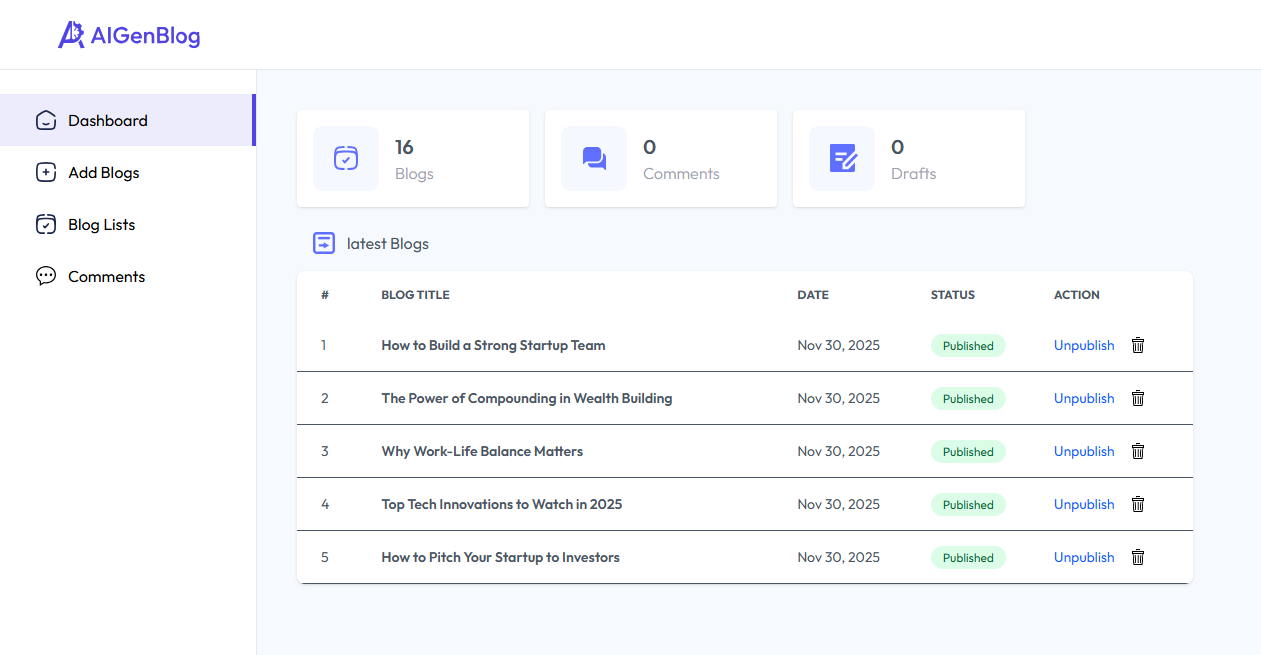
- Dashboard: Overview of blog statistics
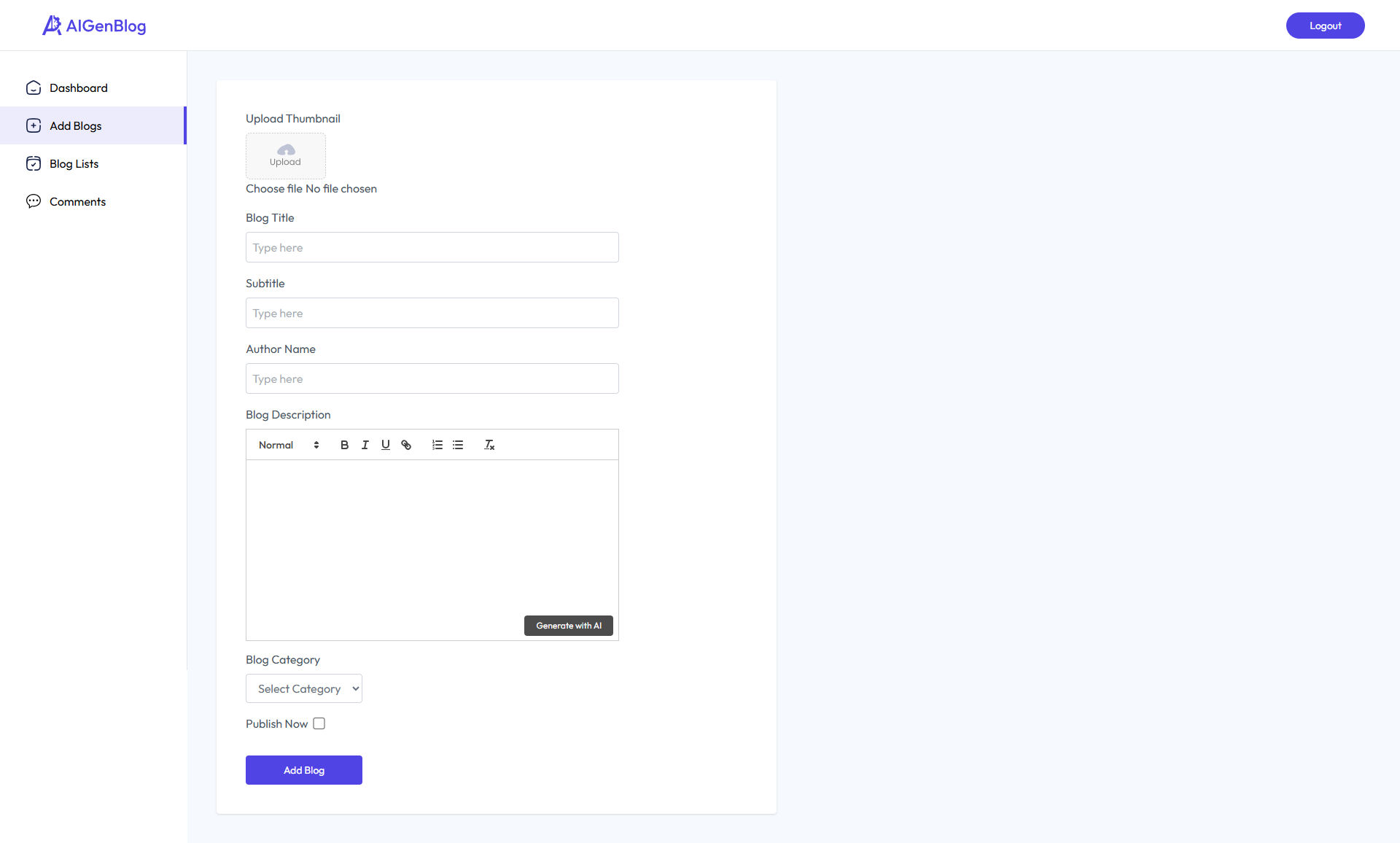
- Create Blogs: AI-assisted content creation with rich text editor
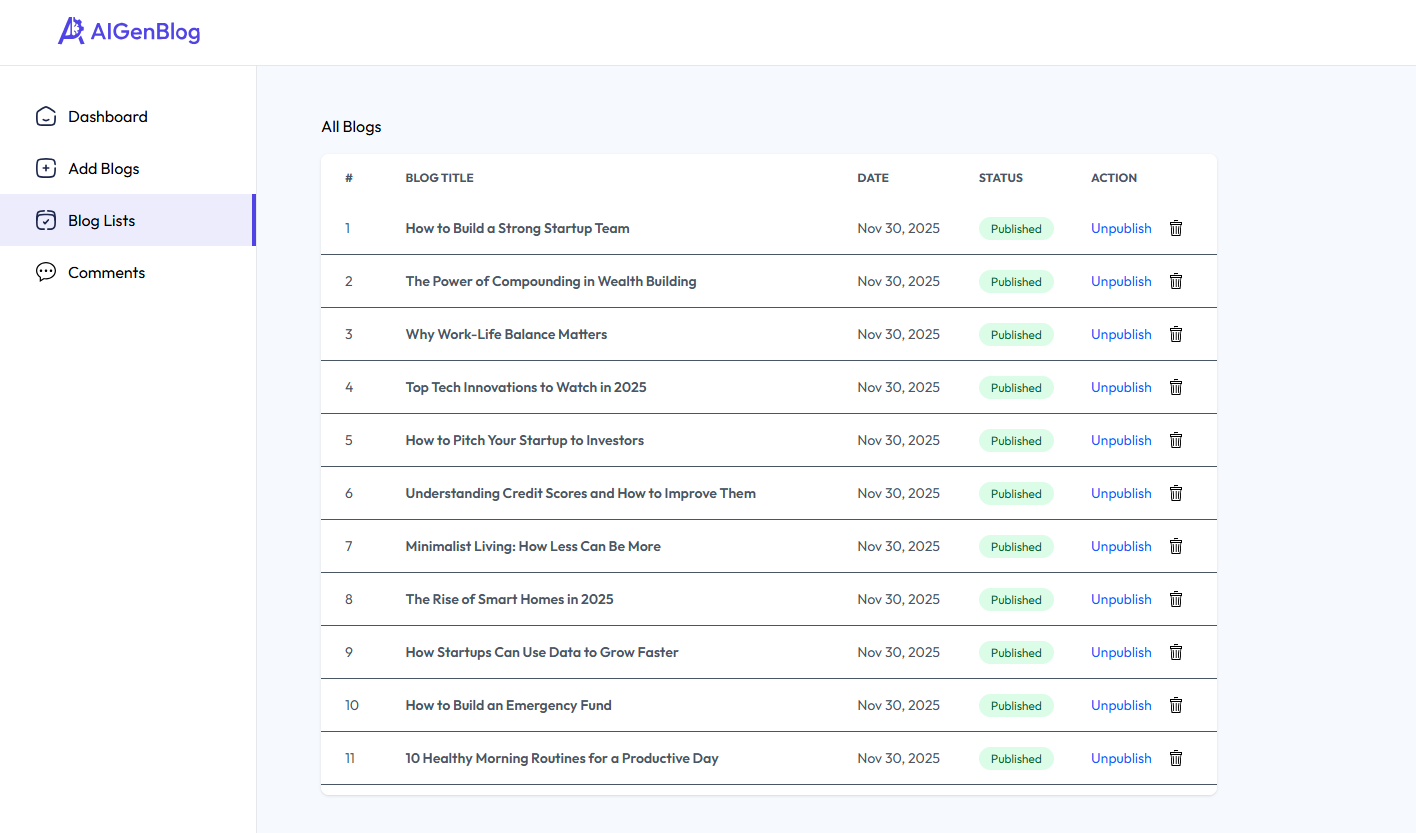
- Manage Blogs: Edit, delete, and publish/unpublish blogs
- Comments: Moderate user comments
- Analytics: Track blog performance
🤖 AI Integration
The platform uses Google Gemini AI to:
- Generate blog content based on Title and subtitle
🎨 Screenshots
🏠 Homepage
📝 Blog Editor
📊 Admin Dashboard
🚀 Deployment
🌐 Frontend (Vercel)
⚙️ Backend (Railway/Heroku)
📦 Docker Deployment
🤝 Contributing
We welcome contributions! Here's how you can help:
🐛 Bug Reports
- Check existing issues
- Create detailed bug report
- Include steps to reproduce
💡 Feature Requests
- Search existing requests
- Create detailed feature request
- Explain use case and benefits
🔧 Pull Requests
- Fork the repository
- Create feature branch ()
- Commit changes ()
- Push to branch ()
- Open Pull Request
📈 Roadmap
- Multi-language Support - Internationalization
- Advanced Analytics - Detailed blog metrics
- Social Media Integration - Share to platforms
- Email Notifications - Comment and blog alerts
- Advanced SEO - Schema markup and optimization
- Mobile App - React Native companion app
📄 License
This project is licensed under the MIT License - see the LICENSE file for details.
👨💻 Author
Muhammad Hussain
Full Stack Web and App Developer & AI Enthusiast



🙏 Acknowledgments
- React Team - For the amazing React framework
- Google - For Gemini AI capabilities
- Tailwind CSS - For the utility-first CSS framework
- MongoDB - For the flexible database solution
- ImageKit - For image optimization services
⭐ Star this repository if you found it helpful!
Made with ❤️ by Muhammad Hussain