Bakery Management System
Bakery Management System is a cutting-edge, cloud-enabled business management system engineered for small to medium-scale samosa production enterprises. This sophisticated platform combines real-time analytics, offline-first architecture, multi-language support, and enterprise-grade cloud synchronization to deliver a seamless operational experience. Designed with entrepreneurial flexibility and scalability in mind, Samosa Success Suite empowers food business owners to optimize production workflows, maximize profitability, and scale operations with confidence.
Tech Stack :

Samosa Success Suite - Complete User & Developer Guide
📸 Screenshots
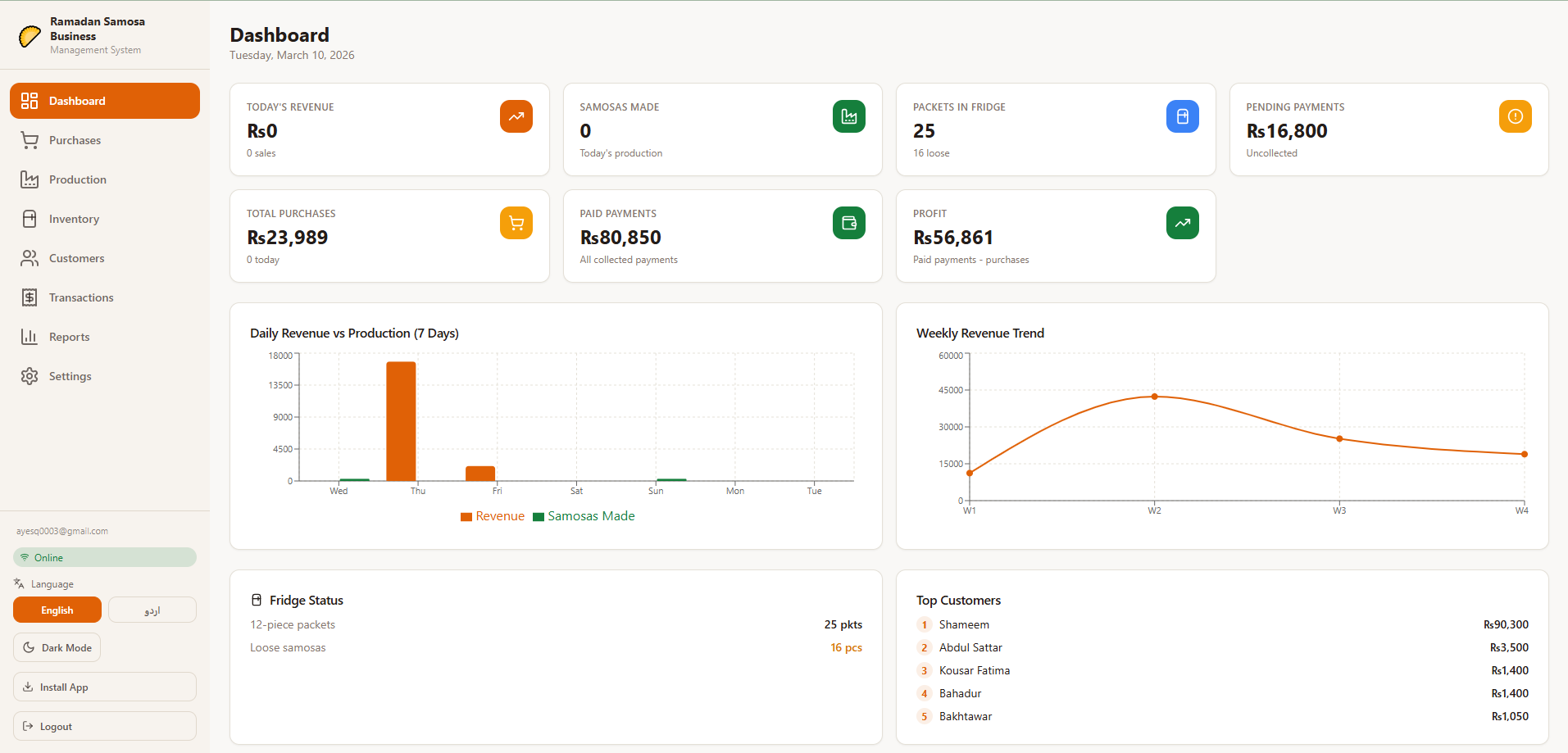
Dashboard Overview
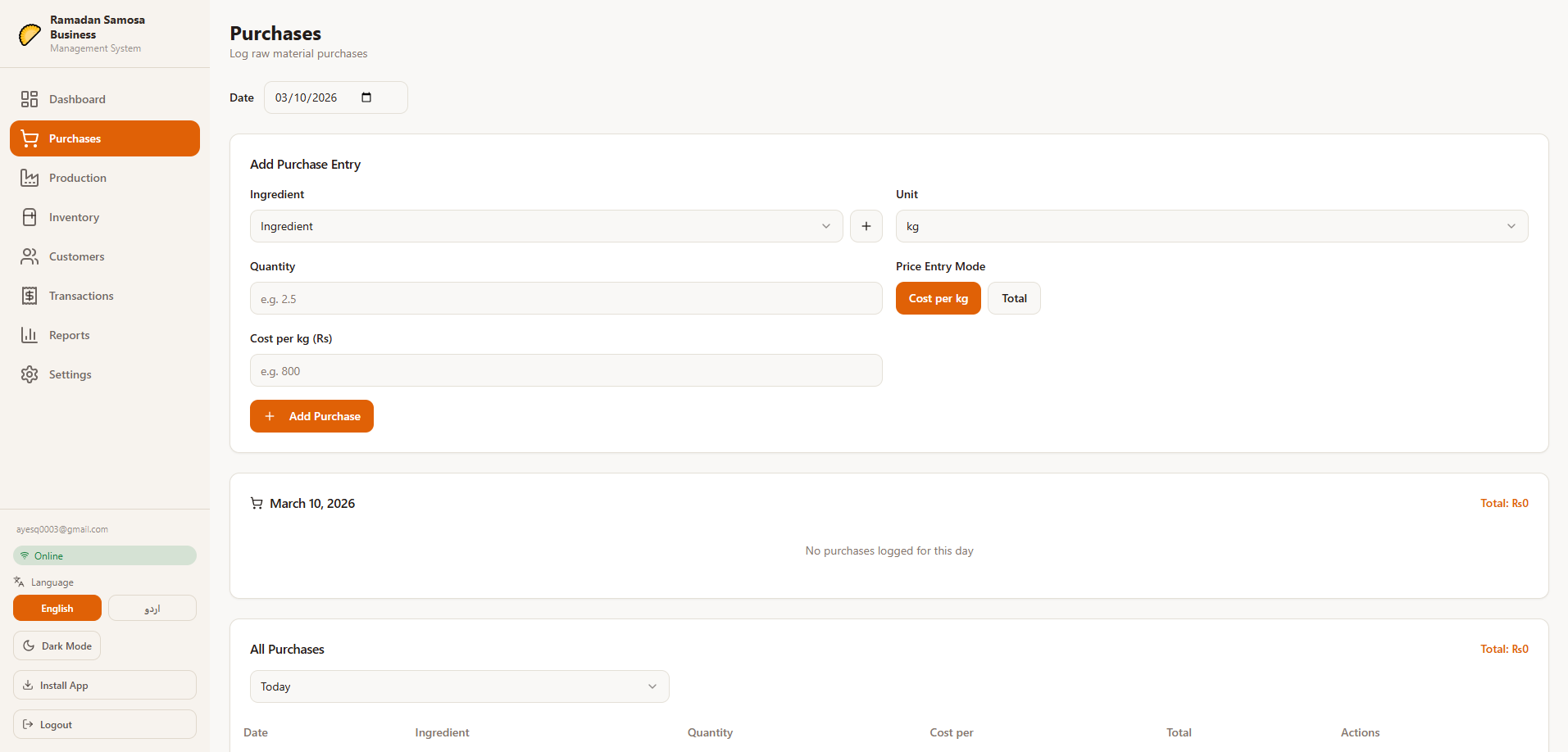
Purchase Module
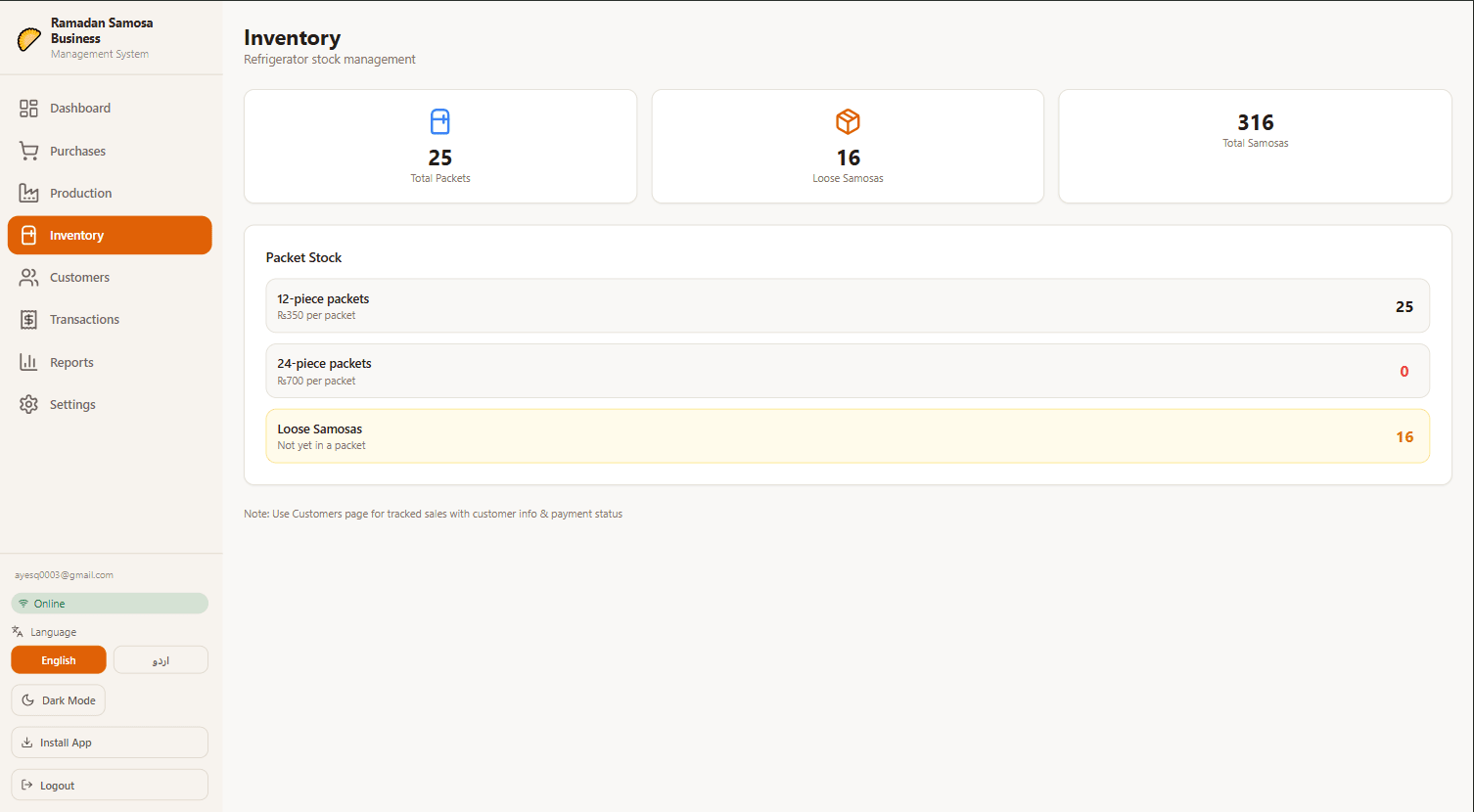
Inventory Management
Financial Reports
 Profit & Loss analysis and ledger tracking
User Management
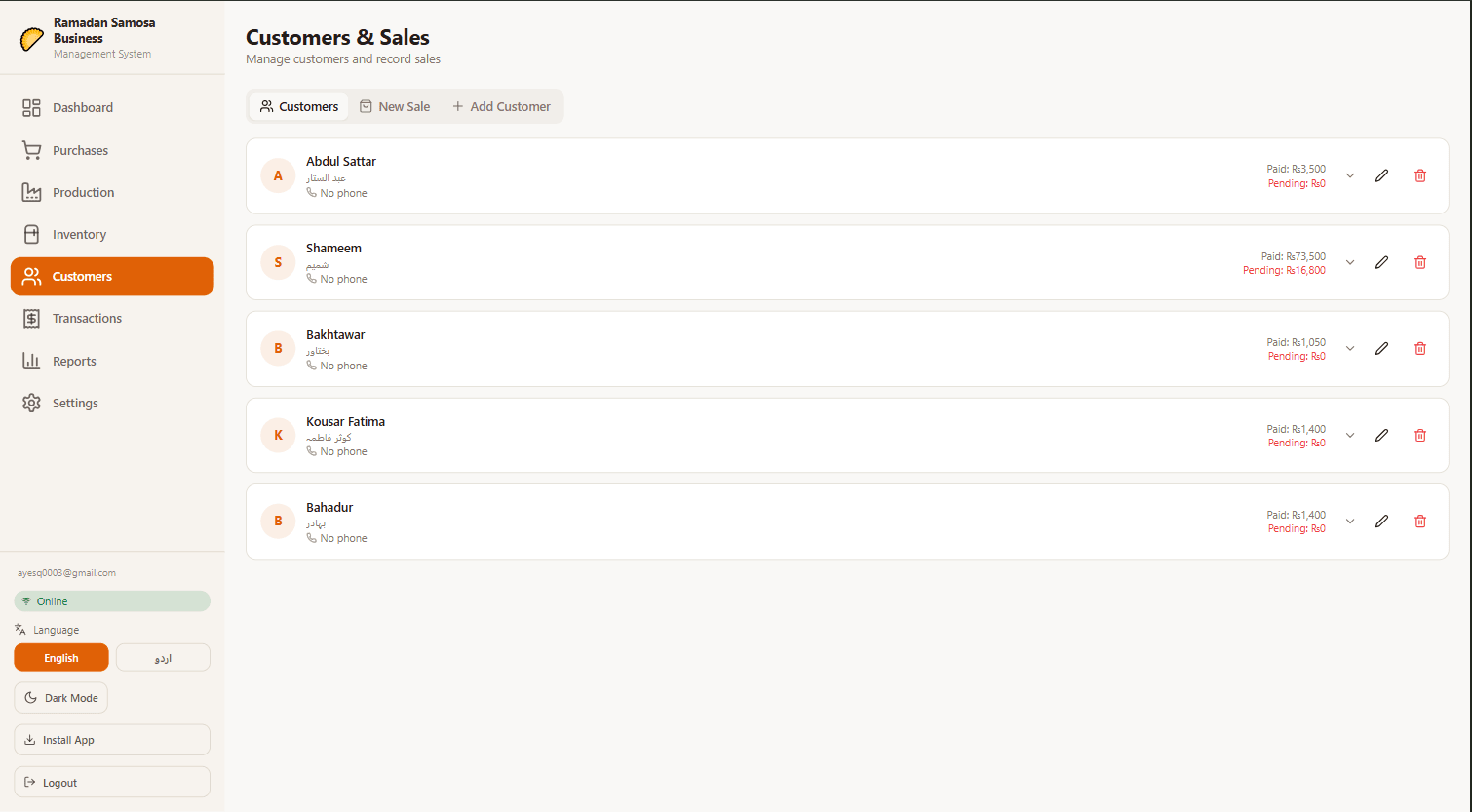
Quotation Generator
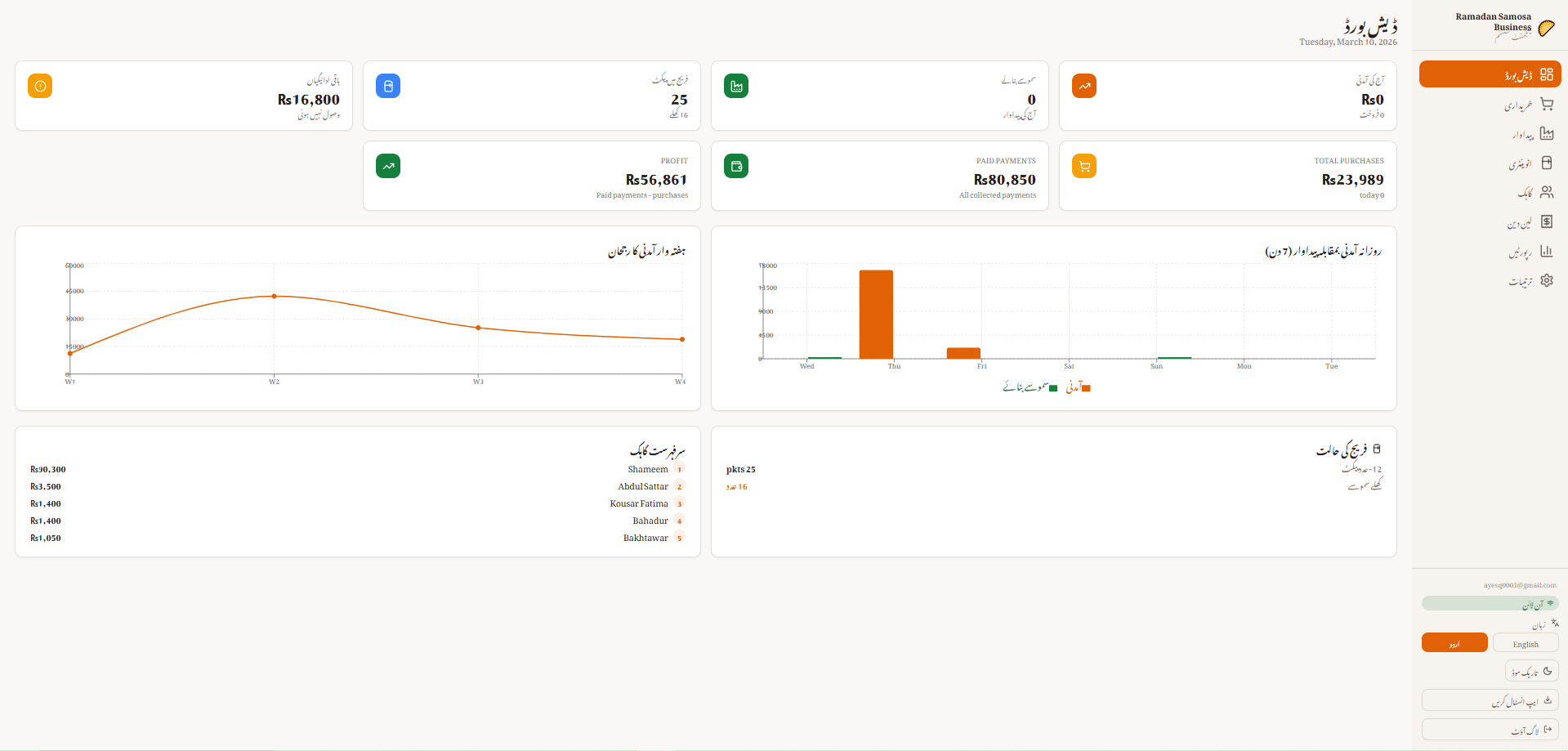
Urdu Language Support
Quick Start Guide
For End Users
Installation
- Web Access: Visit the application URL directly in any modern browser
- Mobile Install:
- Open the app in mobile browser
- Tap "Share" → "Add to Home Screen" (iOS) or "Install" prompt (Android)
- Access like a native app
First-Time Setup
- Create Account: Sign up with email and password
- Configure Business Name: Go to Settings → set your business name
- Set Currency: Choose your preferred currency (default: PKR)
- Select Theme: Choose Light, Dark, or Auto mode
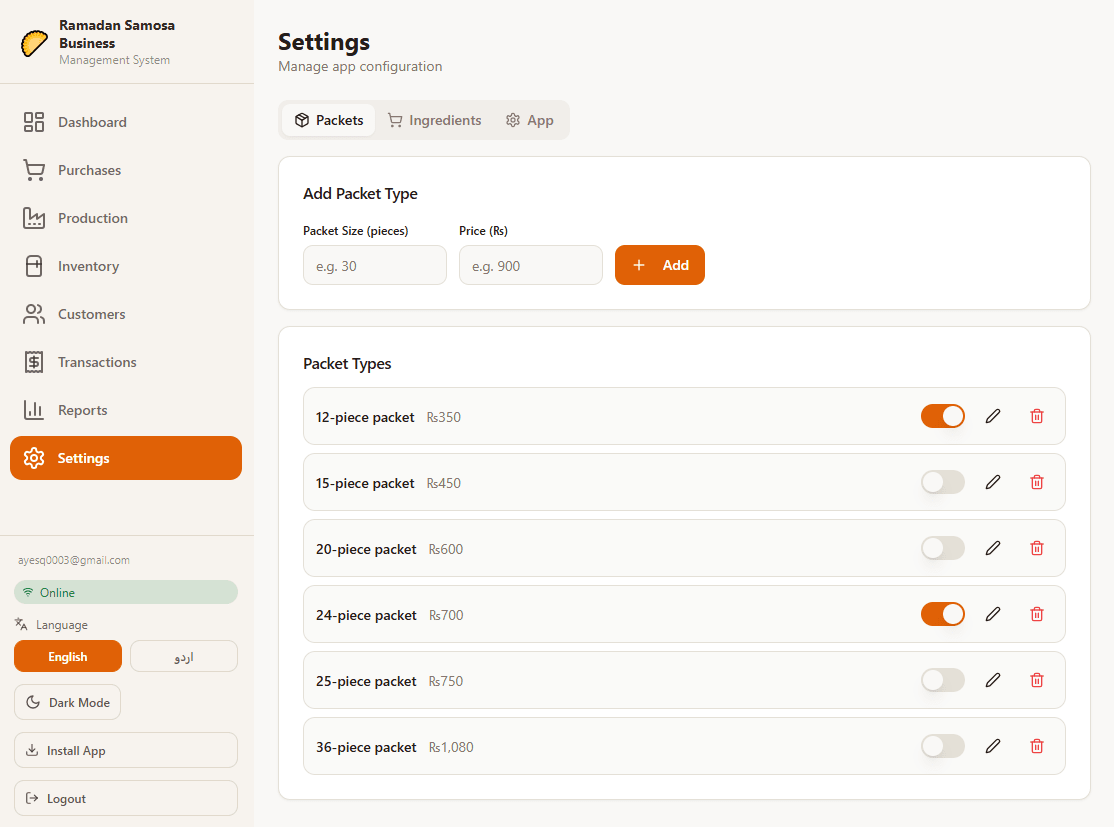
- Add Packet Types: Create samosa packet sizes (e.g., 5, 10, 20, 50 pieces)
Daily Operation Flow
Application Architecture
High-Level System Design
Component Architecture
Core Features & Workflows
1. Dashboard - Business Overview
Purpose: Real-time operational metrics and business performance
Key Metrics Displayed:
- Today's Revenue (sum of all paid sales)
- Total Samosas Produced (daily batch)
- Pending Payments (unpaid customer credits)
- Inventory Status (packets and loose samosas)
Data Sources:
- Sales table (today's transactions)
- Production entries (today's batches)
- Inventory table (current stock)
Workflow:
2. Purchase Management - Supply Chain
Purpose: Track ingredient purchases and calculate production costs
Data Captured:
Pricing Models:
- Per-Unit Model: Enter qty + cost per unit → auto-calc total
- Total-Only Model: Enter qty + total cost → calc cost per unit
Workflow:
Key Features:
- Ingredient master database with auto-suggestions
- Bilingual ingredient names (English + Urdu)
- Bulk edit and delete with confirmation
- Date range filtering for historical analysis
- Pagination (10 items per page)
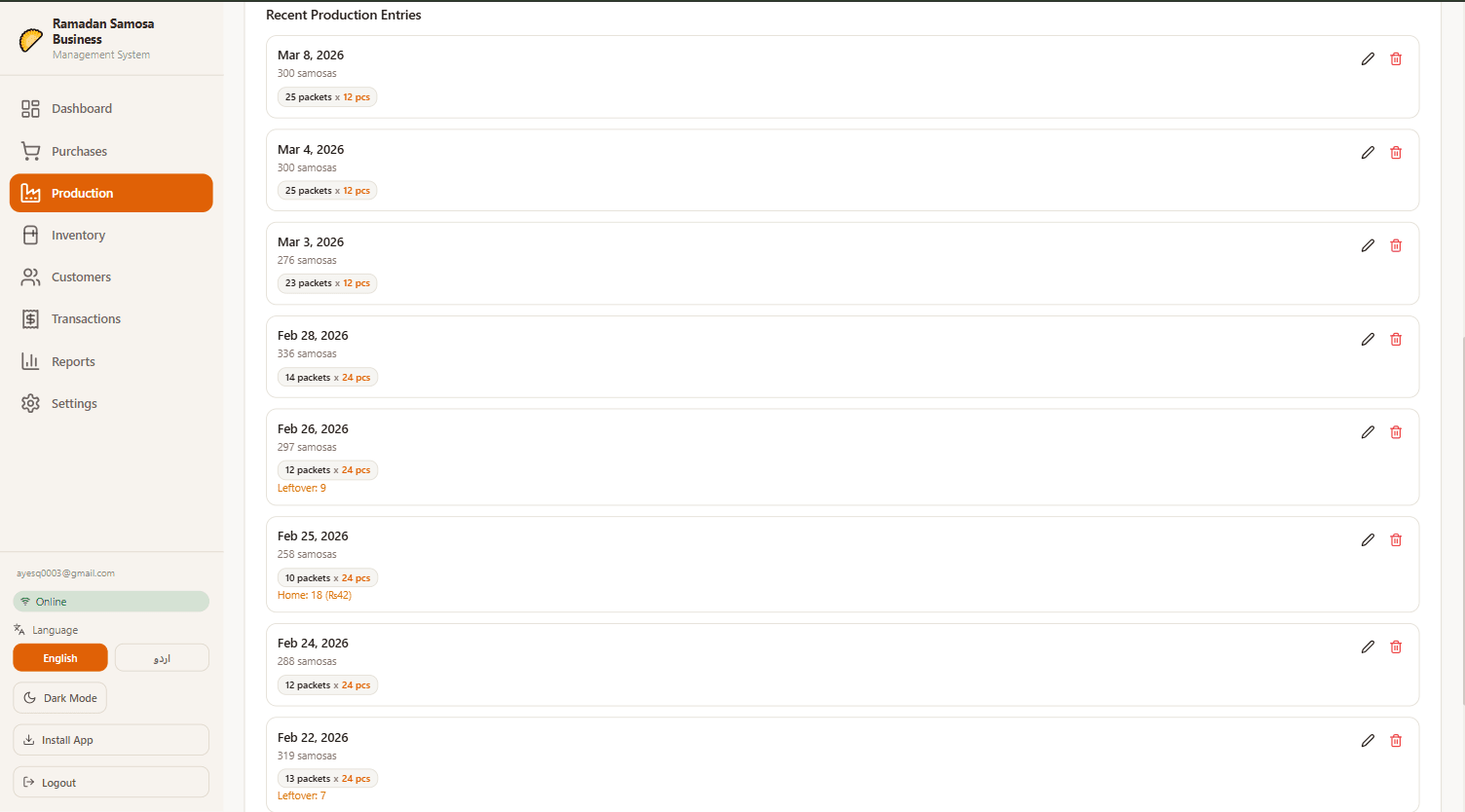
3. Production Planning - Batch Management
Purpose: Log samosa production and allocate costs
Data Captured:
Cost Calculation Logic:
Workflow:
4. Inventory Management - Stock Control
Purpose: Track available samosa packets and loose samosas
Data Structure:
Automatic Updates:
- Production adds to inventory
- Sales deduct from inventory
- Corrections for manual adjustments
Workflow:
5. Customer Management - Relationship Building
Purpose: Track customers and manage customer credits
Data Captured:
Customer Types:
- Registered Customers: In customer database
- Walk-In Customers: Single transaction, not stored
Workflow:
6. Transaction Management - Sales Execution
Purpose: Record sales, manage payments, and track revenue
Data Captured:
Pricing Flexibility:
- Default packet prices from settings
- Manual override for promotional pricing
- Customer-specific discounts
Workflow:
Payment Tracking:
- Record partial payments
- Track pending amounts
- Mark as paid when complete
- Record payment dates
7. Reporting & Analytics - Business Intelligence
Purpose: Analyze business performance and trends
Available Reports:
- Revenue Trends: 7-day or custom date range
- Production Efficiency: Cost per samosa trends
- Customer Analysis: Payment status, credit exposure
- Inventory Reports: Stock levels, turnover
- Cost Analysis: Ingredient costs vs. revenue
Filtering Options:
- Date range selection
- Customer filtering
- Ingredient filtering
- Packet type filtering
- Payment status filtering
Chart Types:
- Line charts (trends over time)
- Bar charts (comparative analysis)
- Pie charts (distribution)
8. Settings & Configuration
Configurable Options:
Technology Stack
Frontend Framework
- React 18.3.1: Modern UI library with hooks
- TypeScript 5.8.3: Static type checking
- Vite 5.4.19: Lightning-fast build tool
- React Router 6.30.1: Client-side routing
UI Component Library
- shadcn-ui: Accessible React components
- Radix UI: Unstyled UI primitives
- Tailwind CSS 3.4.17: Utility-first CSS
- Lucide React 0.462: Icon library (462+ icons)
State Management
- React Context API: Global state (Auth, App data, Language)
- TanStack React Query 5.83: Server state management
- localStorage API: Client-side data persistence
Form & Validation
- React Hook Form 7.61: Performant form handling
- @hookform/resolvers 3.10: Schema validation adapters
- Zod 3.25.76: TypeScript-first schema validation
Backend Services
- Supabase 2.97: PostgreSQL + Auth + Real-time
- Supabase Auth: JWT-based authentication
- Supabase PostgreSQL: Cloud database
Data Visualization
- Recharts 2.15.4: Composable React charts
- Bar charts (production, revenue)
- Line charts (trends, analytics)
- Real-time data binding
PWA & Offline
- Vite Plugin PWA 1.2: PWA configuration
- Workbox: Service worker & caching
- Manifest.json: PWA metadata
Additional Libraries
- date-fns 3.6: Date manipulation & formatting
- clsx 2.1.1: Conditional CSS classes
- class-variance-authority 0.7.1: CSS variant system
- tailwind-merge 2.6: Tailwind class merging
- next-themes 0.3: Dark mode implementation
- Sonner 1.7.4: Toast notifications
- react-resizable-panels 2.1.9: Resizable UI panels
- embla-carousel-react 8.6: Carousel component
- cmdk 1.1.1: Command palette
- vaul 0.9.9: Drawer component
Development Tools
- ESLint 9.32: Code quality
- Vitest 3.2.4: Unit testing
- JSDOM 20.0.3: DOM testing environment
- Testing Library: Component testing utilities
Build & Deployment
- Vite Build: Production bundling
- Lovable (optional): AI-powered development platform
Data Models & Flow
TypeScript Interfaces
Data Flow Diagram
Cloud Synchronization
Sync Architecture
Offline-First Strategy:
- All operations immediately save to localStorage
- UI updates instantly (optimistic updates)
- Sync happens in background when online
- Conflict resolution uses timestamp-based logic
Sync Process
Conflict Resolution Logic
Sync Status States
Environment Configuration
Development Setup
Prerequisites
- Node.js 18.x or higher
- npm or yarn package manager
- Git for version control
- Supabase account (optional, for cloud sync)
Installation Steps
Build for Production
Testing
Code Quality
Configuration Guide
Supabase Setup
1. Create Supabase Project
- Visit supabase.com
- Create new project
- Copy Project URL and Anon Key
2. Create Database Table
3. Configure Environment
4. Enable Authentication
- Enable Email/Password provider
- Configure email verification (optional)
- Set redirect URLs for deployment
Tailwind CSS Customization
Edit :
Theme Configuration
Dark/Light theme is managed by :
i18n Language Support
Current support: English, Urdu
Edit to add languages
Troubleshooting
Sync Issues
Problem: Data not syncing to cloud
Problem: Conflicting changes between devices
Authentication Issues
Problem: Cannot login
Problem: Session expires
Performance Issues
Problem: Slow sync or app freeze
Problem: High memory usage
Data Issues
Problem: Missing data after offline period
Problem: Duplicate entries
API & Integrations
Data Store Functions
Supabase Integration
Export Capabilities (Future)
Potential export formats:
- CSV (for accounting software)
- JSON (for backup)
- PDF (for reports)
- Excel (for analysis)
Best Practices
For Users
✅ Save frequently (app auto-saves)
✅ Keep phone charged for offline operation
✅ Sync when online for cloud backup
✅ Use customer names for credit tracking
✅ Review daily reports for insights
✅ Back up your data regularly
For Developers
✅ Type all data with TypeScript
✅ Use React hooks for side effects
✅ Keep components small (<300 lines)
✅ Use context for global state
✅ Add error boundaries
✅ Test critical flows
✅ Document complex logic
✅ Use semantic HTML
✅ Follow Tailwind conventions
✅ Optimize images and assets
Security
✅ Never log sensitive data
✅ Use HTTPS only
✅ Validate all user input
✅ Implement RLS at database level
✅ Use JWT for authentication
✅ Regular security audits
✅ Keep dependencies updated
✅ Never commit credentials
Support & Resources
Documentation Links
Community
- GitHub Issues: Report bugs and feature requests
- Discussions: Ask questions and share ideas
- Wiki: Community-contributed guides
Getting Help
- Check this guide first
- Search GitHub issues
- Check browser console for errors
- Try clearing cache/localStorage
- Create detailed bug report with steps to reproduce
Version: 1.0.0
Last Updated: April 2026
Made by: Muhammad Hussain